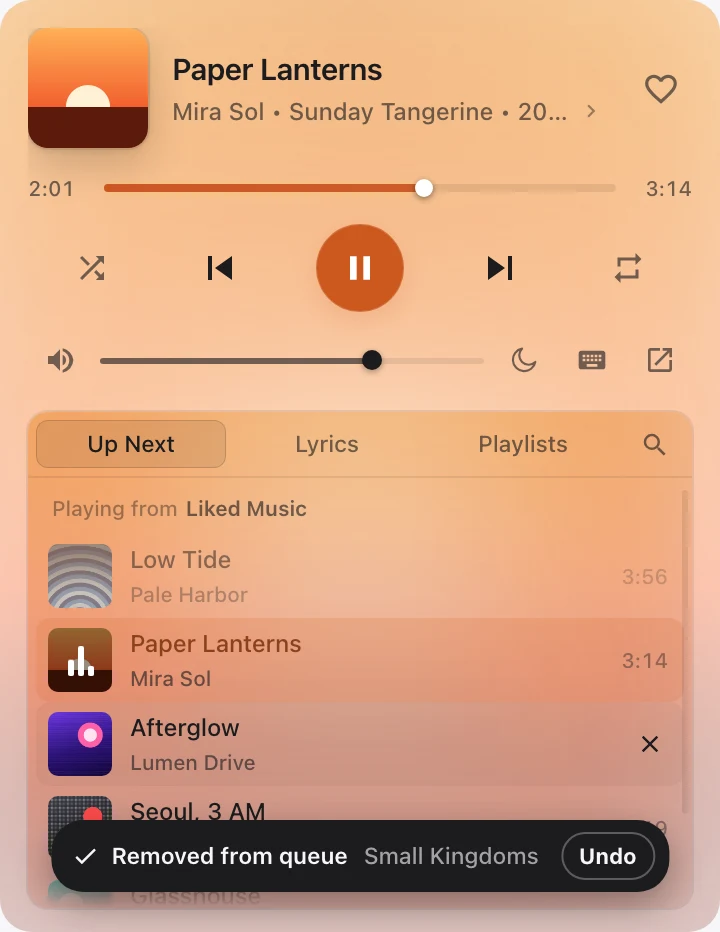
Up Next
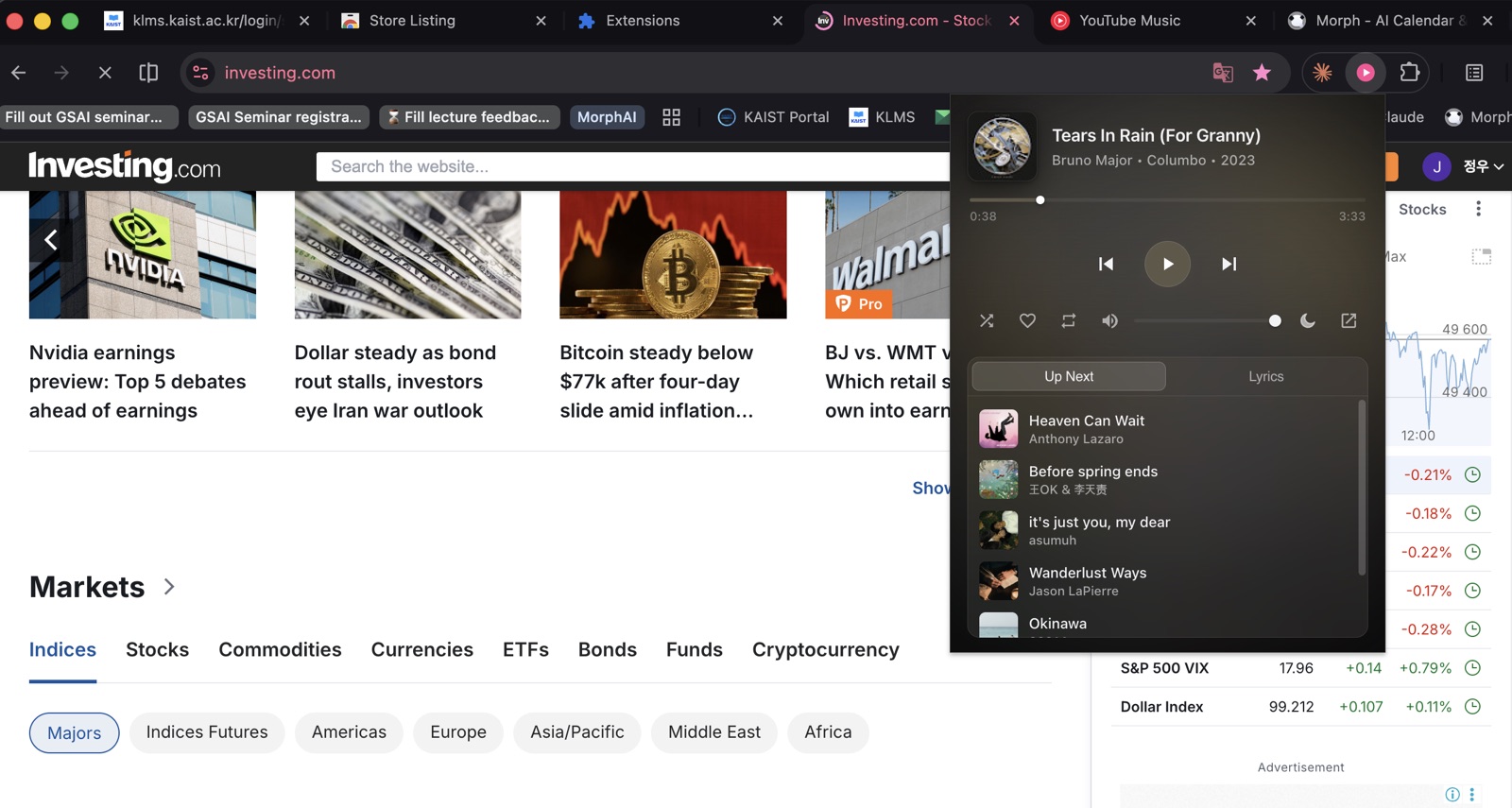
See what you’re playing from, what just played and what’s next. Click a song to play it, or remove one and undo it right away.
Pink Player is a mini player for YouTube Music that drops down from your toolbar. Find a song, line up what plays next or read the lyrics, then get back to work.
Works in Edge too.
Safari for Mac is coming soon.
This is the real popup, playing made-up songs. Go ahead: skip, search, edit the queue.
New in 0.4
Find any song on YouTube Music right from the toolbar. Suggestions show up as you type, and YouTube Music’s own filters narrow the results to songs, albums, artists or playlists.
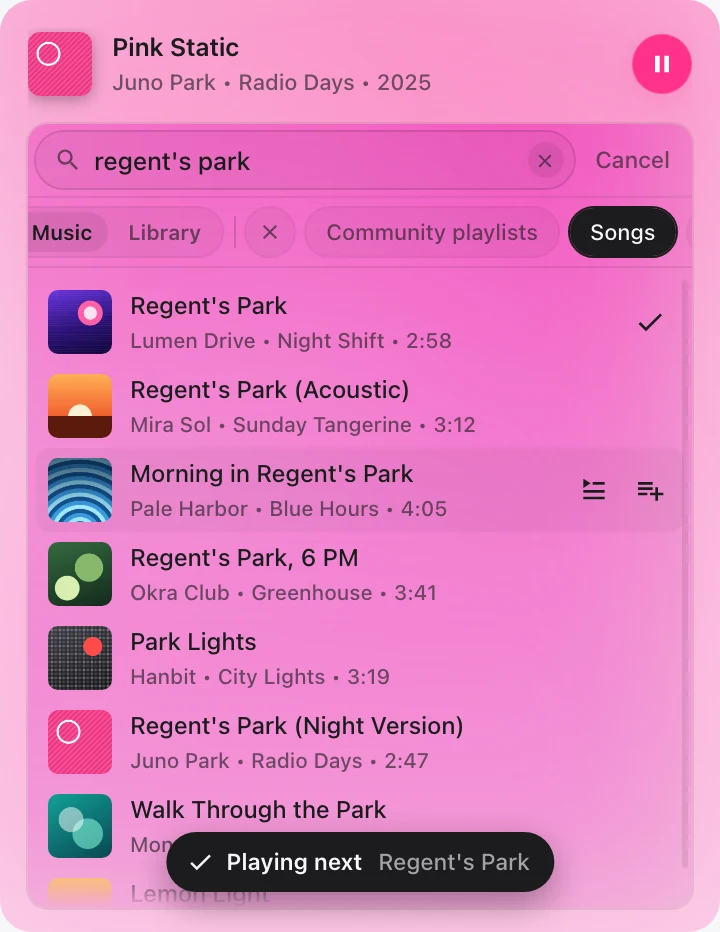
Inside the popup
See what you’re playing from, what just played and what’s next. Click a song to play it, or remove one and undo it right away.
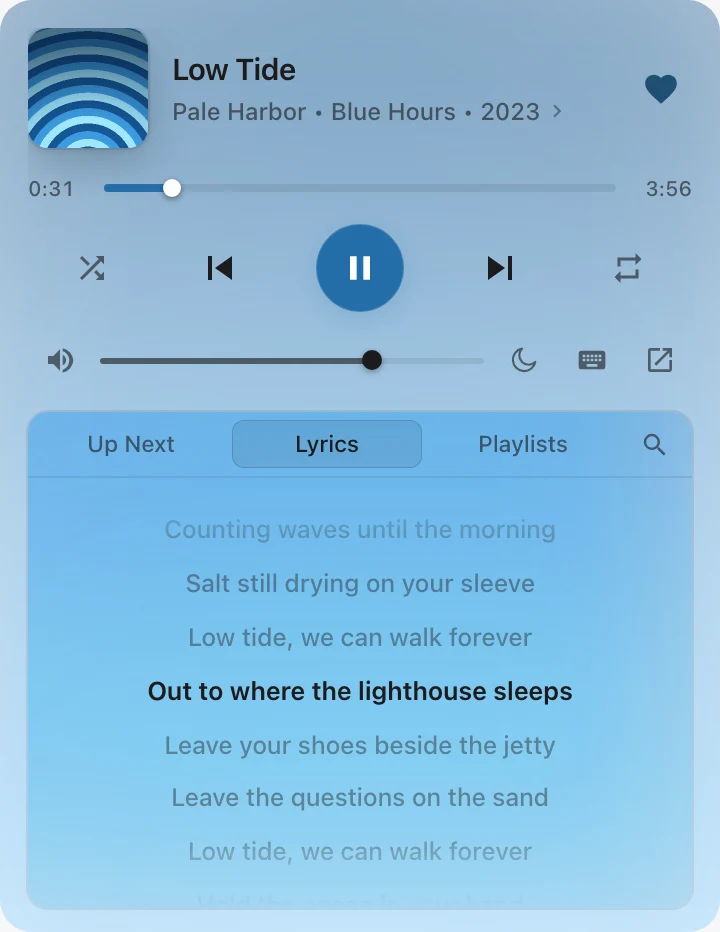
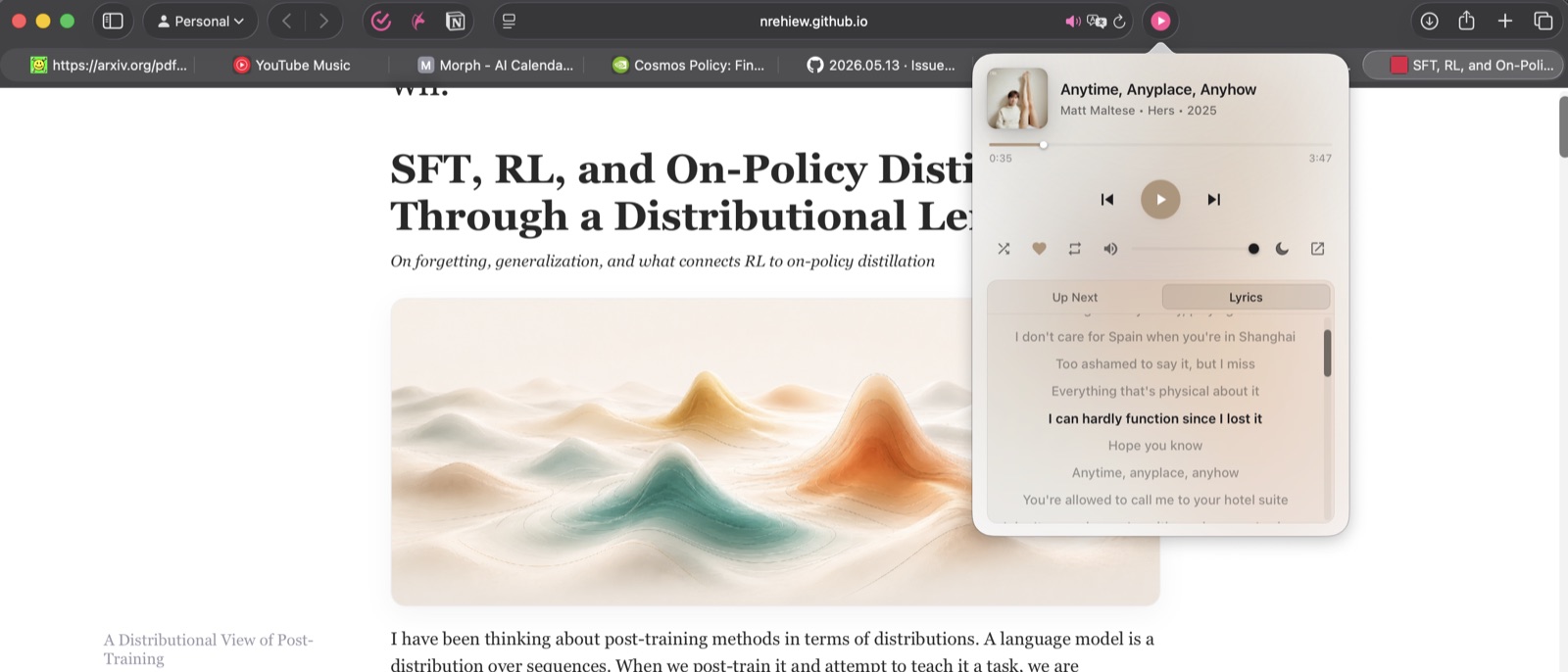
Synced lyrics that follow the song and keep the current line centered. Tap a line to jump there.
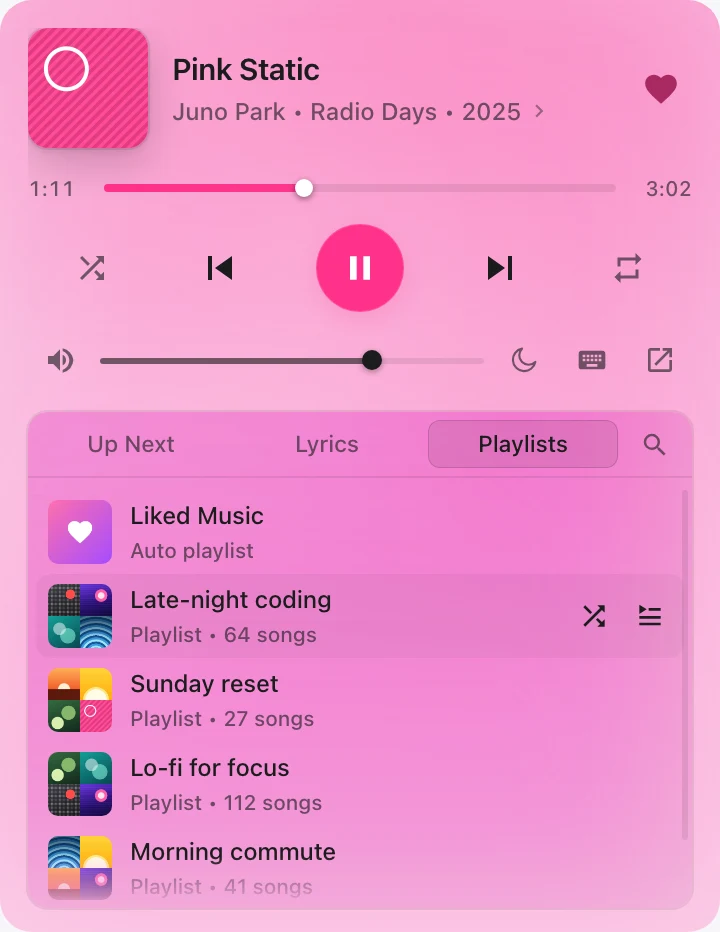
Every playlist in your library. Pick one and it starts in your YouTube Music tab. Part of Pink Player Pro, $2.99 once.
Out in the wild
Keyboard
In the popup, Space plays or pauses, the arrows skip and change the volume, and ? shows every key. In Chrome and Edge, the ⌥⇧ shortcuts work in any tab, even with the popup closed. Change them at chrome://extensions/shortcuts. ⌥ is Alt on Windows.
The player takes its tint from each song’s album art.
15, 30 or 60 minutes, or the end of the track. Keeps counting with the popup closed.
A small floating player that stays open while you work.
Follows your system appearance automatically.
With several YouTube Music tabs open, it controls the one that’s playing.
All the controls from the player bar, without switching tabs.
Privacy
Pink Player runs entirely in your browser. This is everything it touches.
Read the privacy policyPin it once and YouTube Music is a click away from every tab. Works in Chrome and Edge today, with Safari for Mac coming once the notarized build is ready.